 Studio
Exact-model care plan · checked 16 August 2026
xBloom Studio maintenance guide
A practical care plan for the Studio: what to clean after use, what to inspect each week and which deeper jobs should wait for the machine or manual to prompt you.
Before you start
This is an independent desk-researched routine, not a replacement for the Studio manual. Switch off, unplug and cool the machine before removing parts. Never immerse it, force a brew unit, open electrical panels or use a chemical the manufacturer has not approved.
01After every drink
Remove the residue while it is still easy.
Milk proteins and wet coffee become harder to remove as they dry. This is the highest-value part of the routine.
- 1
Discard the used paper and grounds, then rinse the Omni Dripper or removable xPod holder before coffee oils dry.
- 2
After the brewer has cooled, wipe splashes from the pour arm, scale platform and cup area with a soft damp cloth.
- 3
Empty the drip tray when needed and leave the dripper and removable wet parts clean and dry.
02End of the day
Do not store yesterday’s water and coffee mess.
Standing tray water, pucks and milk residue cause odour and can block small passages.
- 1
Empty and wash the drip tray and waste container; do not let wet coffee sit overnight.
- 2
Rinse the removable dripper and water-contact parts identified in the Studio guide; keep the grinder dry.
- 3
Wipe the body with a soft damp cloth, keeping water away from vents, controls and electrical parts.
03Every week
Reach the parts the quick rinse misses.
Use the week as an inspection point. The manual decides which parts can be removed, soaked or lubricated.
- 1
Clean the removable brewing and water-contact parts named in the exact-model manual.
- 2
Brush loose, dry grounds from the hopper outlet and dosing area while the machine is switched off; keep the burr chamber dry.
- 3
Check seals, tubes and trays for damage, odour or persistent leaks before the next use.
04When prompted
Let usage and water hardness trigger chemical cleaning.
Filters, coffee oils and limescale are different maintenance jobs. Run the programme designed for the job shown.
- 1
Set the correct water hardness and replace only a compatible filter when the machine or manual says it is due.
- 2
Run the exact cleaning programme with the specified tablet or cleaner; a coffee-oil clean is not a descale.
- 3
Descale only with the approved product and exact-model sequence, completing every rinse stage before brewing again.
Model-specific cautions
What changes for the Studio.
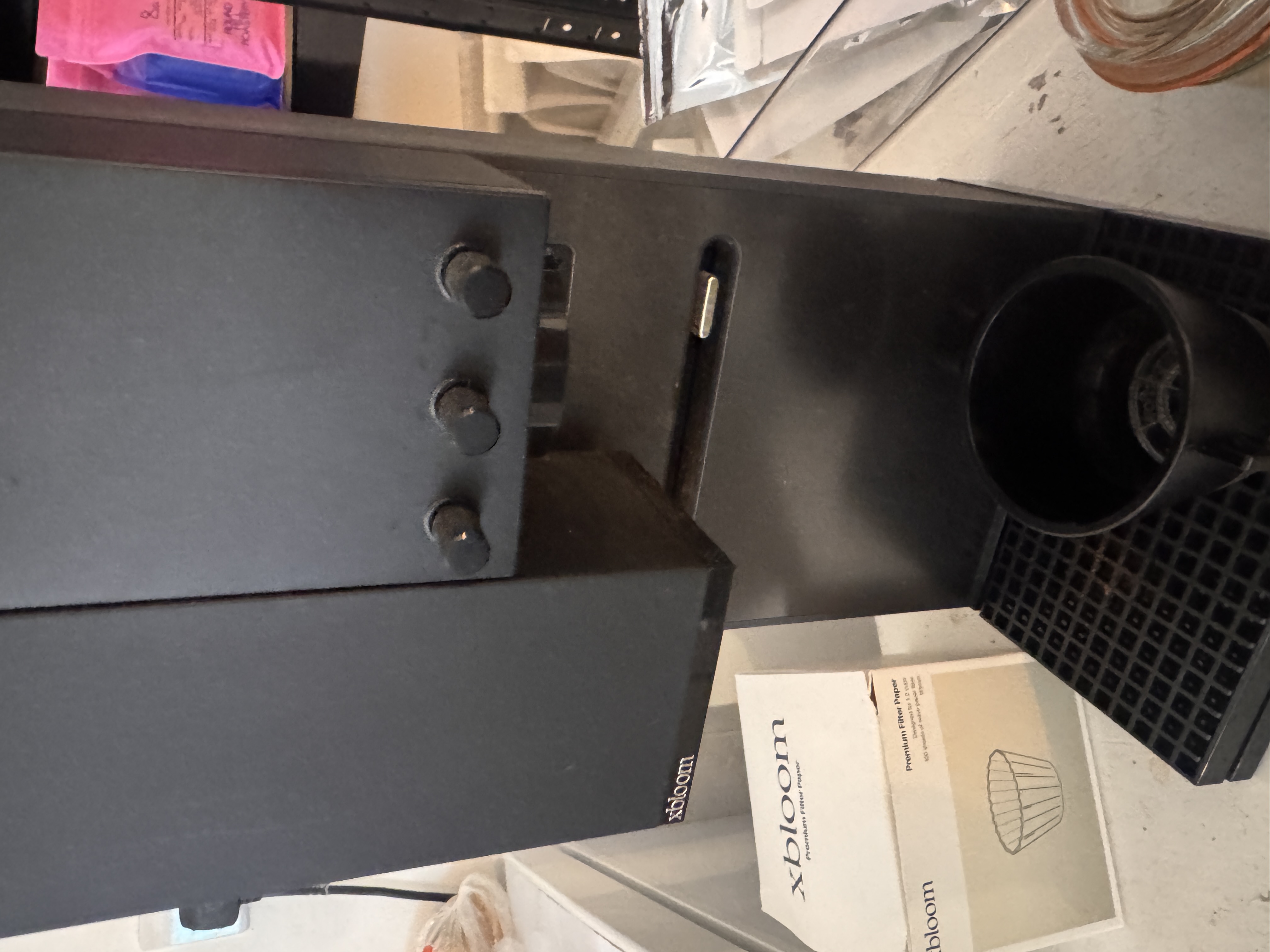
- Keep the grinder dry. Brush loose grounds only from the user-accessible outlet and dosing area; never pour water or cleaner into the burr chamber.
- Discard the paper after each brew, rinse the Omni Dripper and wipe the cooled brew arm, scale platform and drip area before residue dries.
- Use the Studio's current guided flush or descale workflow and set care frequency from real water hardness rather than a generic calendar.
Care kit
Keep the right tools together.
The safest kit is small. Check every chemical and filter against the exact model before ordering.
- Two clean microfibre cloths: one for milk, one for the body
- A soft brush reserved for dry coffee grounds
- xBloom Studio-compatible paper filters
- Manufacturer-approved descaler and a large rinse container
- A compatible water filter, if this model uses one
Exact product source
xBloom Studio
Used to match this guide to the indexed model and its hardware.
Open exact-model source ↗Official care source
xBloom Studio official product and care source
Use this official support route for the current programme, parts and chemical instructions.
Open manufacturer care source ↗Editorial method
Desk research, kept explicit
General ownership logic is adapted to the indexed type, grinder and milk system. The exact manual always wins.
Read the sourcing policy →Stop and arrange service
Do not keep using the machine if you see water near electrical parts, smell burning, find a damaged cable, hear abnormal grinding or pressure noise, or cannot clear a persistent error with the official troubleshooting steps.
Next useful step
Keep the care plan with the buying evidence.
Return to the machine record for dimensions, workflow, checked UK prices and the desk-researched verdict—or diagnose a specific symptom with the exact-model troubleshooting guide.